
Categories
Household TipsPublished June 22, 2026
Smart Thermostats for the Non-Techie: What to Consider and How to Install One

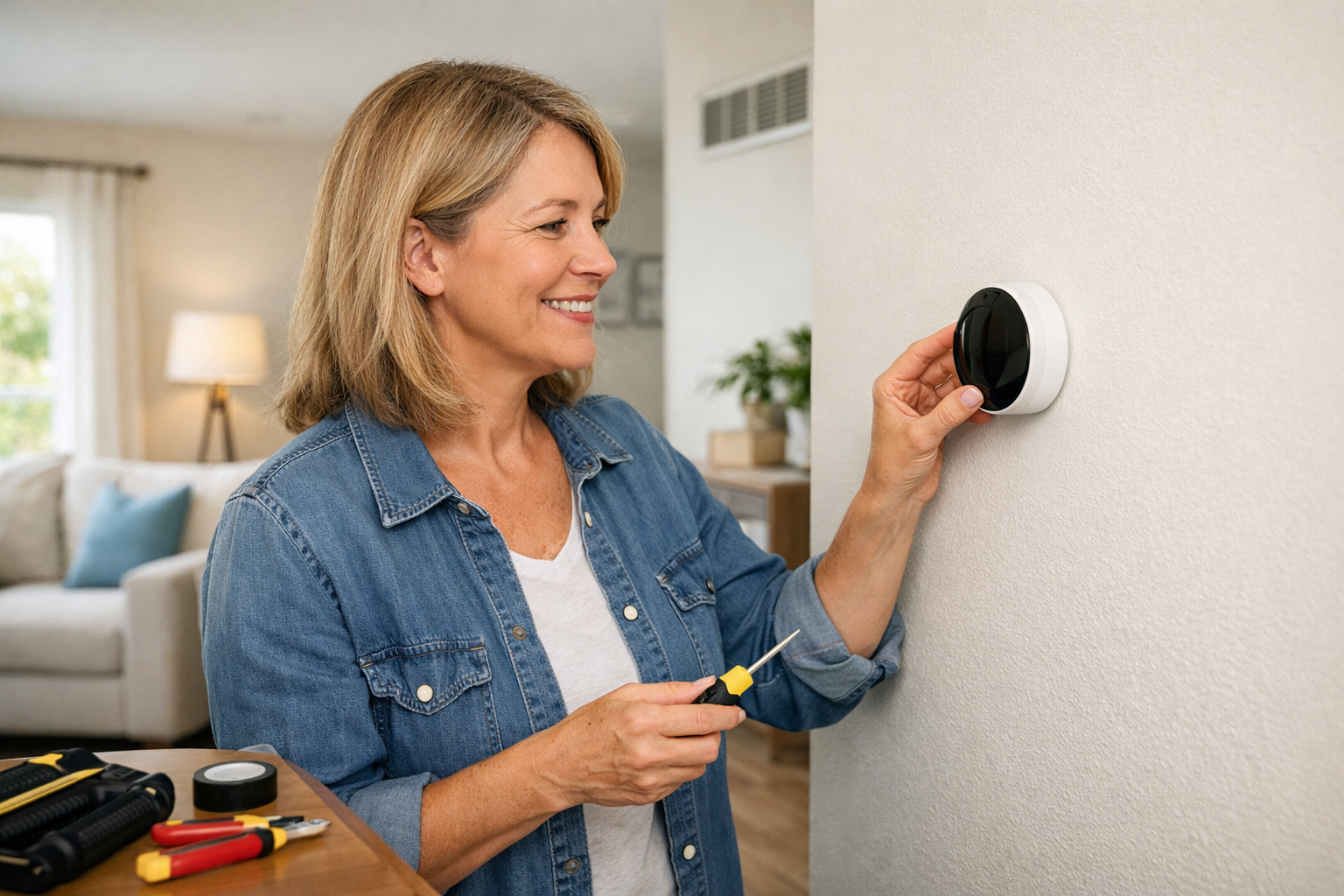
Smart thermostats have become one of the most popular home upgrades for a reason. They can help make your home more comfortable, improve energy efficiency and give you more control over your heating and cooling without requiring a major renovation. But if you are not especially tech-savvy, the idea of choosing and installing one can feel more complicated than it needs to be.
The good news is that smart thermostats are more approachable than they sound. If you understand a few basic things before you buy, and you take the installation one step at a time, this is a project many beginners can handle.
What a Smart Thermostat Actually Does
At the most basic level, a smart thermostat lets you control your home’s temperature using your phone, tablet or a simple wall unit. Many models also learn your schedule, remind you when maintenance is needed and help reduce wasted energy by adjusting settings when you are away.
You do not need to be a gadget person to benefit from one. In many homes, the biggest advantage is simply convenience. You can leave for the day, forget to adjust the temperature and still make a change from your phone without going back home.
What to Consider Before You Buy
1. Compatibility with Your HVAC System
This is the first thing to check. Not every smart thermostat works with every heating and cooling setup. Before buying one, find out whether your home has central air, a heat pump, a multi-stage system or another configuration.
Most manufacturers offer online compatibility checkers, but you can also remove the cover from your current thermostat and look at the wiring labels. If the system seems unusual or the labels are unclear, it may be worth asking an HVAC professional before ordering anything.
2. Whether You Have a C-Wire
One of the most common installation questions is whether your thermostat has a C-wire, also called a common wire. Many smart thermostats need this wire for constant power.
If you already have one, installation is usually easier. If you do not, that does not automatically rule out a smart thermostat. Some models work without one; others include an adapter. Still, it is something to check early so you do not end up with a thermostat that is more complicated to install than expected.
3. Ease of Use
If you are buying a smart thermostat because you want life to be simpler, choose one with a clear app and a user-friendly display. Some systems come with lots of extra features. More features do not always mean a better fit.
For many homeowners, the best option is the one that is easiest to read, easiest to program and easiest to adjust without a steep learning curve.
4. Energy-Saving Features
Many smart thermostats track usage patterns, suggest more efficient settings and allow scheduling based on when you are home or away. These features can be helpful, especially if your current thermostat is always set manually and rarely adjusted.
Look for practical features like simple scheduling, maintenance reminders and energy reports rather than focusing only on the flashiest technology.
5. Smart Home Integration
If you already use systems like Alexa, Google Home or Apple Home, you may want a thermostat that works with what you already have. If you do not use those systems, this may not matter much.
It is helpful, but not essential. For a non-techie homeowner, ease of setup is usually more important than having every possible integration.
6. Appearance and Placement
Since the thermostat will be on the wall in a visible part of the home, it is worth considering how it looks and whether the display is easy to read. Some newer models are sleek and minimal, while others are more traditional.
Also think about where your existing thermostat is located. If it is in a spot that gets direct sunlight or poor airflow, that can affect temperature readings no matter how advanced the device is.
How to Install a Smart Thermostat If You Are a Novice
Before doing anything, turn off power to your HVAC system at the breaker. This is an important safety step and not one to skip.
Step 1: Remove the Existing Thermostat Cover
Most thermostat covers snap off gently. Once removed, you should be able to see the labeled wires connected to terminals.
Step 2: Take a Clear Photo of the Wiring
Before disconnecting anything, take a well-lit photo of the existing wire setup. This can be a lifesaver if you need to double-check where wires were originally connected.
Step 3: Label the Wires
Many smart thermostats include small wire labels in the box. Use them. Do not rely on wire color alone, because color is not always consistent from one home to another. The terminal labels matter more than the wire colors.
Step 4: Remove the Old Base Plate
Once the wires are labeled, carefully disconnect them and remove the old thermostat base from the wall. Try not to let the wires slip back into the wall while you are working.
Step 5: Install the New Mounting Plate
Attach the new thermostat plate to the wall using the provided screws. Use a level if needed so the finished result sits straight and looks clean.
Step 6: Connect the Wires
Insert each labeled wire into the matching terminal on the new thermostat base. Follow the manufacturer’s instructions closely here. This is the part where patience matters most.
If the labels on your old setup do not match the new thermostat instructions clearly, stop and verify before moving forward. Guessing can lead to a system that does not work correctly.
Step 7: Attach the Thermostat and Restore Power
Once the wiring is complete, attach the thermostat faceplate, restore power at the breaker and follow the on-screen setup instructions.
Step 8: Connect the App and Test the System
Download the thermostat’s app, connect it to your Wi-Fi and test heating, cooling and fan settings. Make sure the system responds properly before considering the job done.
When It Makes Sense to Call a Pro
There is no shame in handing this project off if the wiring looks confusing, the system is older or the thermostat does not power on correctly after installation. Calling an HVAC technician can save time and prevent bigger problems.
For many homeowners, the best decision is not whether you can do it yourself, but whether doing it yourself feels manageable after you see what is behind the old thermostat.
A Small Upgrade That Can Make a Big Difference
A smart thermostat is one of those home improvements that can make daily life easier without requiring a major investment of time or money. For homeowners thinking ahead to resale, it can also be a nice modern touch that signals thoughtful upkeep and energy awareness.
If you keep the process simple, focus on compatibility first and take your time with installation, this is a project that can feel much less intimidating than it sounds. Best of luck!

Glenn Moog
Realtor | Moog Group | Keller Williams Capital Partners | PLACE
or another way